
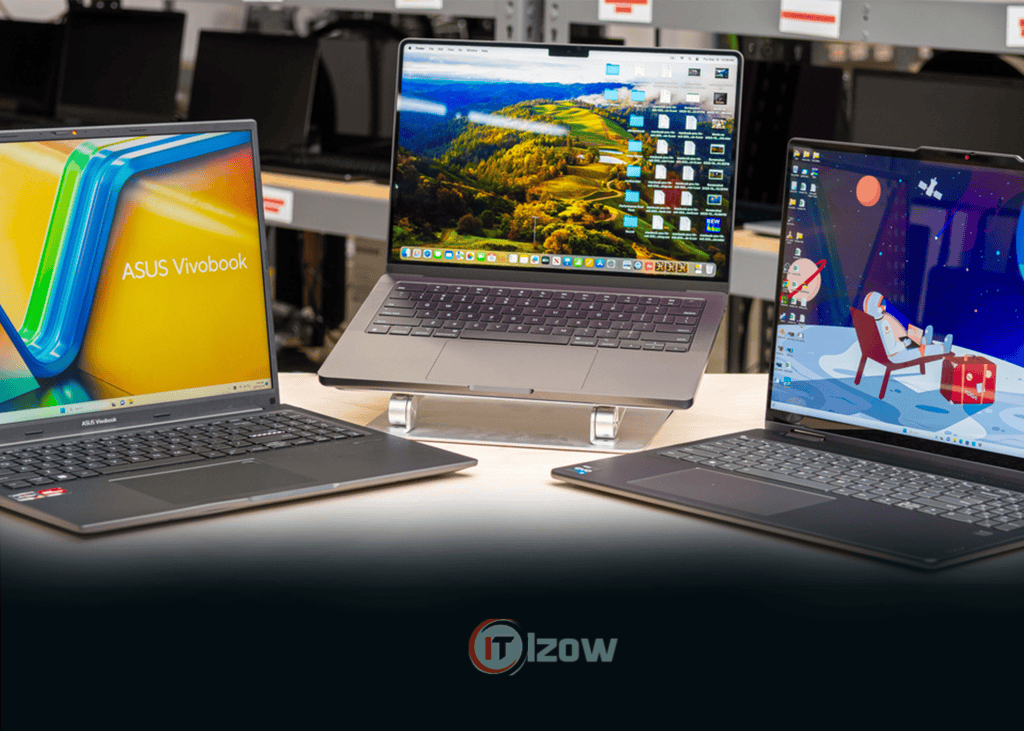
Artificial Intelligence is transforming the software industry at an unprecedented pace. Modern developers no longer write code alone—they use AI assistants such as ChatGPT, GitHub Copilot, Claude, Gemini, and Cursor AI to build applications faster than ever before.
However, AI-assisted development demands more from your hardware. Running Docker containers, virtual machines, large IDEs, local databases, Android emulators, machine learning frameworks, and AI coding tools simultaneously requires a laptop with excellent processing power, enough RAM, fast storage, and long battery life.
If you’re planning to become a software engineer, AI developer, data scientist, cybersecurity expert, or computer science student, choosing the right laptop is one of the best investments you can make.
This guide explores the best laptops for programming and AI development in 2026, what specifications really matter, and which laptop is right for your budget and workflow.
What Makes a Great Programming Laptop?
Many people believe buying the most expensive laptop automatically guarantees the best coding experience. In reality, a balanced system with the right CPU, RAM, storage, keyboard, and display often matters more than raw benchmark numbers. Recent buying guides also note that AI-focused labels like “AI PC” and “Copilot+ PC” are useful, but developers should still prioritize traditional fundamentals such as processor performance, memory, storage, and battery life.
The most important components include:
- Modern multi-core processor
- Minimum 16GB RAM (32GB recommended)
- Fast NVMe SSD
- Comfortable keyboard
- High-resolution display
- Excellent battery life
- Efficient cooling system
Recommended Specifications in 2026
| Component | Minimum | Recommended |
|---|---|---|
| Processor | Intel Core Ultra 5 / AMD Ryzen 5 / Apple M4 | Intel Core Ultra 7 or 9, AMD Ryzen AI 7/9, Apple M4 Pro |
| RAM | 16GB | 32GB or more |
| Storage | 512GB SSD | 1TB NVMe SSD |
| Display | 14-inch Full HD | 14–16-inch 2.5K/3K OLED or IPS |
| GPU | Integrated | NVIDIA RTX 4060+ for AI/ML workloads |
| Battery | 8 Hours | 10–18 Hours |
Developers using Docker, Android Studio, virtual machines, and AI models benefit greatly from 32GB RAM and 1TB SSD. If you plan to train machine learning models locally, an NVIDIA RTX GPU is still the preferred choice because of CUDA support.
1. Apple MacBook Pro 14 (M4)
Best Overall for Professional Developers
The MacBook Pro 14 continues to be one of the strongest choices for software development thanks to its outstanding CPU performance, battery life, premium display, and quiet operation.
Best For
- Web Development
- iOS Development
- Python
- Flutter
- React
- Node.js
- AI-assisted coding
- DevOps
Pros
- Outstanding battery life
- Exceptional display
- Silent under most workloads
- Fast SSD
- Premium keyboard and trackpad
Cons
- Expensive
- NVIDIA CUDA is not available for local GPU-based AI training
2. Lenovo ThinkPad T16
Best Windows Laptop for Programmers
The ThinkPad series remains a favorite among software engineers because of its legendary keyboard, Linux compatibility, and reliable build quality. It is frequently recommended as one of the best overall programming laptops in 2026.
Best For
- Java Development
- Backend Development
- Enterprise Software
- Linux
- Docker
- Cloud Engineering
Highlights
- Comfortable keyboard
- Excellent durability
- Large 16-inch display
- Reliable performance
3. Dell 14 Premium
Dell’s premium developer-focused laptop offers powerful performance in a compact design.
Ideal for:
- Full Stack Development
- React
- Angular
- Vue
- Python
- AI Coding
Its bright display and modern Intel Core Ultra processors make it an excellent productivity machine.
4. ASUS ROG Zephyrus G16
Best Laptop for AI and Machine Learning
If your work involves:
- TensorFlow
- PyTorch
- Stable Diffusion
- Local LLMs
- CUDA
- Computer Vision
then the Zephyrus G16 is one of the best options.
Why?
Because it combines:
- NVIDIA RTX Graphics
- Powerful Intel or AMD processors
- Large RAM capacity
- Excellent cooling
5. Lenovo ThinkPad P16
Best Mobile Workstation
This workstation is designed for professionals handling:
- Artificial Intelligence
- Machine Learning
- Data Science
- Engineering
- Large Software Projects
Its workstation-class hardware makes it suitable for demanding development workflows.
6. MacBook Air (M4)
Best for students entering programming.
Perfect for:
- Python
- JavaScript
- HTML
- CSS
- Java
- C++
- Swift
Offers:
- Incredible battery life
- Silent operation
- Lightweight design
7. ASUS Zenbook 14 OLED
The Zenbook series offers premium features at a competitive price.
Highlights include:
- OLED Display
- Intel Core Ultra processors
- Excellent portability
- Long battery life
It is a strong choice for developers who travel frequently.
8. HP ZBook Power
An excellent workstation laptop for software engineers working with:
- Virtual Machines
- Kubernetes
- Android Studio
- Docker
- Machine Learning
9. Razer Blade 16
Game developers and 3D software engineers often need more graphics performance.
The Razer Blade combines:
- RTX Graphics
- High-end CPU
- Premium Display
- Fast SSD
Suitable for:
- Unreal Engine
- Unity
- Blender
- Game Development
10. Acer Swift Go 16 AI
For developers looking for a balance of performance, portability, and value, the Acer Swift Go 16 AI offers a modern Intel Core Ultra processor, 32GB RAM options, OLED display, and long battery life, making it a compelling choice for everyday coding and productivity.
Which Laptop Is Best for Different Types of Developers?
| Developer Type | Recommended Laptop |
|---|---|
| Beginner Programmer | MacBook Air M4 |
| Web Developer | MacBook Pro 14 |
| Full Stack Developer | Dell 14 Premium |
| AI Engineer | ASUS ROG Zephyrus G16 |
| Machine Learning Engineer | Lenovo ThinkPad P16 |
| Game Developer | Razer Blade 16 |
| Cybersecurity Student | ThinkPad T16 |
| Computer Science Student | ASUS Zenbook 14 OLED |
| Data Scientist | ThinkPad P16 |
| Mobile App Developer | MacBook Pro 14 |
Intel vs AMD vs Apple Silicon
Intel Core Ultra
Ideal for:
- Enterprise software
- Windows development
- Virtualization
- Docker
- AI PCs
AMD Ryzen AI
Excellent for:
- Multitasking
- Programming
- Video editing
- AI-assisted productivity
Apple M4
Perfect for:
- iOS development
- Flutter
- Web development
- Excellent battery life
- Creative workflows
Do You Need a Dedicated GPU?
Not every programmer needs one.
You DON’T need a dedicated GPU if you work on:
- HTML
- CSS
- JavaScript
- PHP
- Laravel
- Django
- React
- Vue
- Flutter
- Mobile Apps
- APIs
You SHOULD consider one if you work on:
- Machine Learning
- Deep Learning
- LLMs
- Stable Diffusion
- Blender
- Unreal Engine
- CUDA-based applications
Common Mistakes When Buying a Programming Laptop
Avoid these mistakes:
- Buying only 8GB RAM.
- Choosing a slow SATA SSD instead of NVMe.
- Prioritizing RGB lighting over cooling and battery life.
- Ignoring keyboard comfort.
- Buying a gaming laptop when portability matters more.
- Purchasing a machine without enough ports for your workflow.
Buying Tips for 2026
Before purchasing, ask yourself:
- Will you train AI models locally?
- Do you need Linux support?
- Will you run Docker or virtual machines?
- How often do you travel?
- Do you need all-day battery life?
- Is your workload mainly coding, or does it include graphics and AI?
Your answers will determine whether a lightweight ultrabook or a workstation-class laptop is the better investment.
Final Thoughts
The best programming laptop in 2026 depends on the type of development you do. For most developers, 16GB RAM is the minimum, while 32GB RAM and a 1TB SSD provide a smoother experience for multitasking, AI coding assistants, and professional development. For local machine learning and deep learning, pairing a powerful CPU with an NVIDIA RTX GPU remains the most practical option.
If you value portability and battery life, the Apple MacBook Pro 14 (M4) stands out as an exceptional choice. If you prefer Windows or Linux, the Lenovo ThinkPad T16 offers an outstanding keyboard, durability, and developer-friendly experience. And for AI engineers who need CUDA acceleration, laptops such as the ASUS ROG Zephyrus G16 or Lenovo ThinkPad P16 deliver the performance required for demanding workloads.
Choosing the right laptop today means investing in years of productive coding, faster development, and a smoother AI workflow.
Published by Izow Technology
Stay connected with Izow Technology for expert programming tutorials, AI development guides, cybersecurity insights, software reviews, and the latest technology news from around the world.